



Trusted by jewellers and brands worldwide










Try every feature on one ring
Click a feature to see it on the ring.



Visualize in seconds
A simple, elegant interface so you can start showcasing your jewelry in 3D in minutes. No code required.
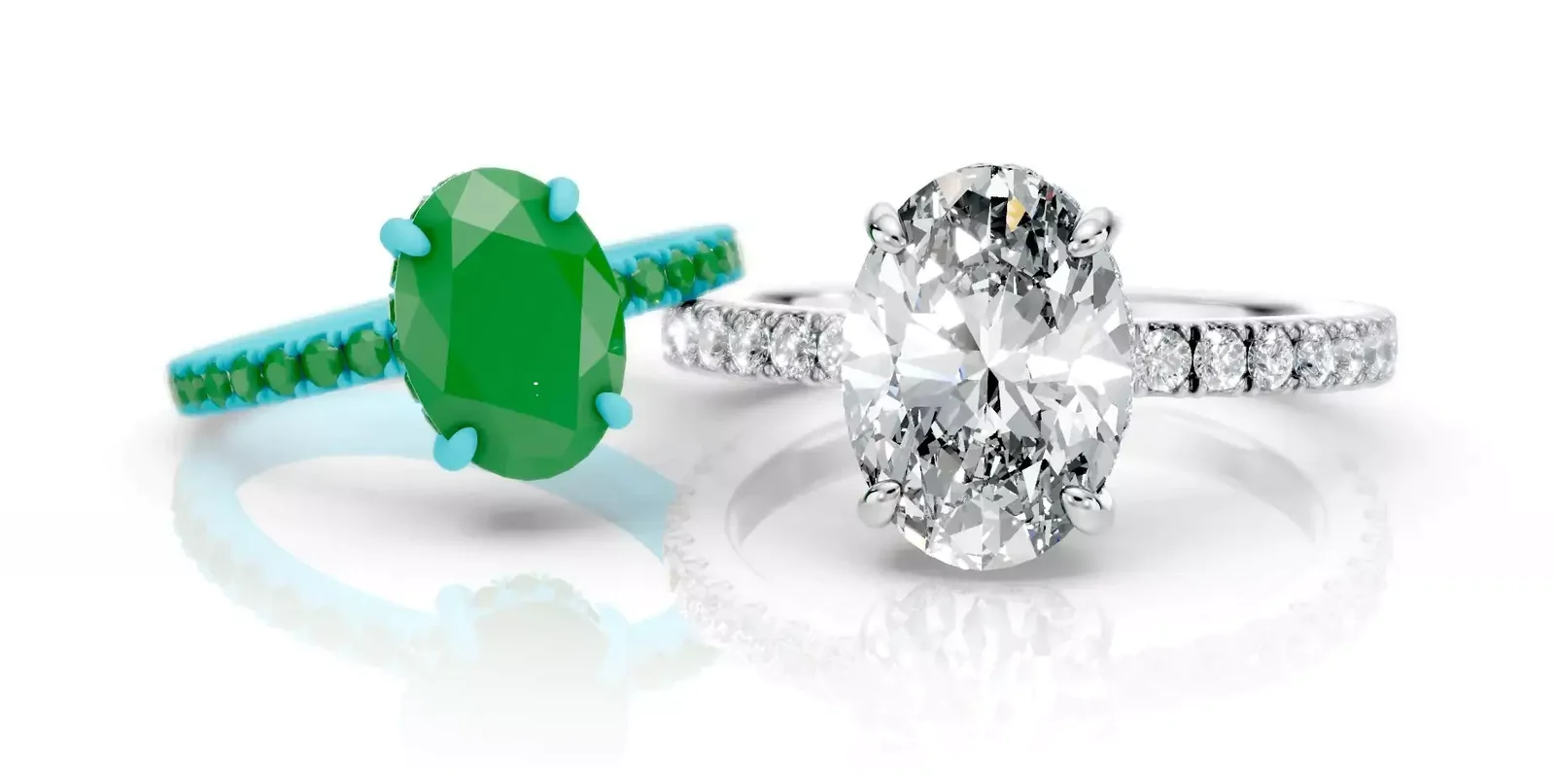
What you get with iJewel3D
Everything a jewellery business needs
in one place
My Drive
Your 3D files, stored and shared. Any CAD file stays yours, with a link, a password and download control.
iJewel Playground
The online 3D editor. Materials, light and effects, then images and a turntable video.
3D embedding
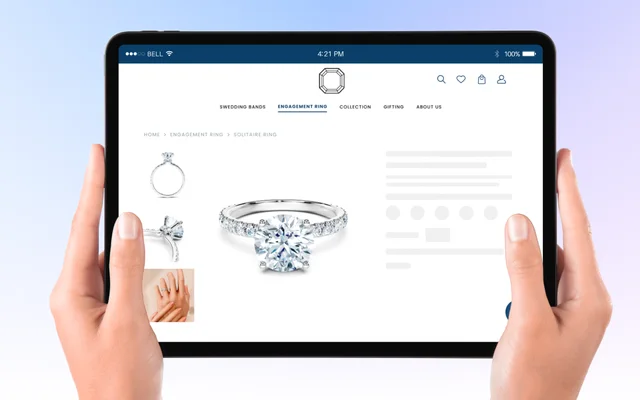
Live 3D on your product page. One line of HTML on Shopify, WooCommerce or Wix.
Configurators
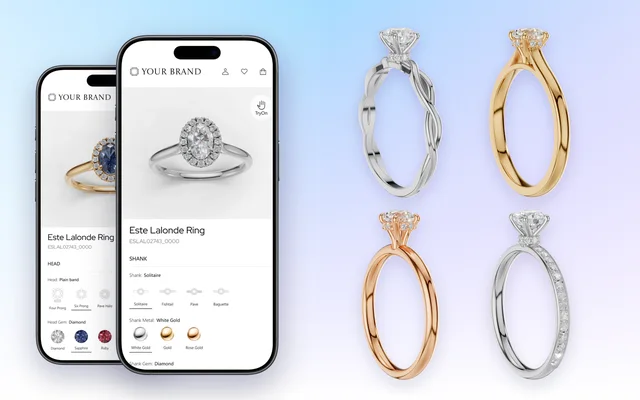
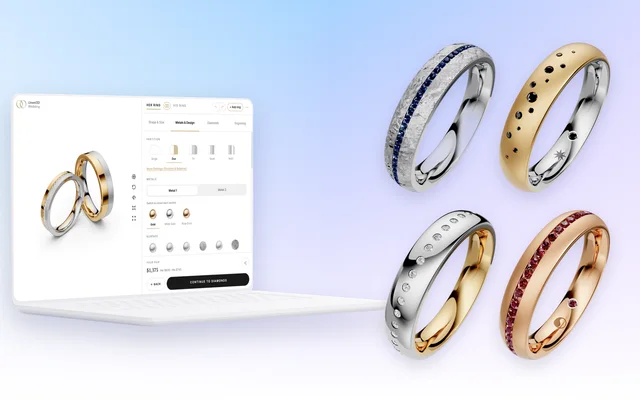
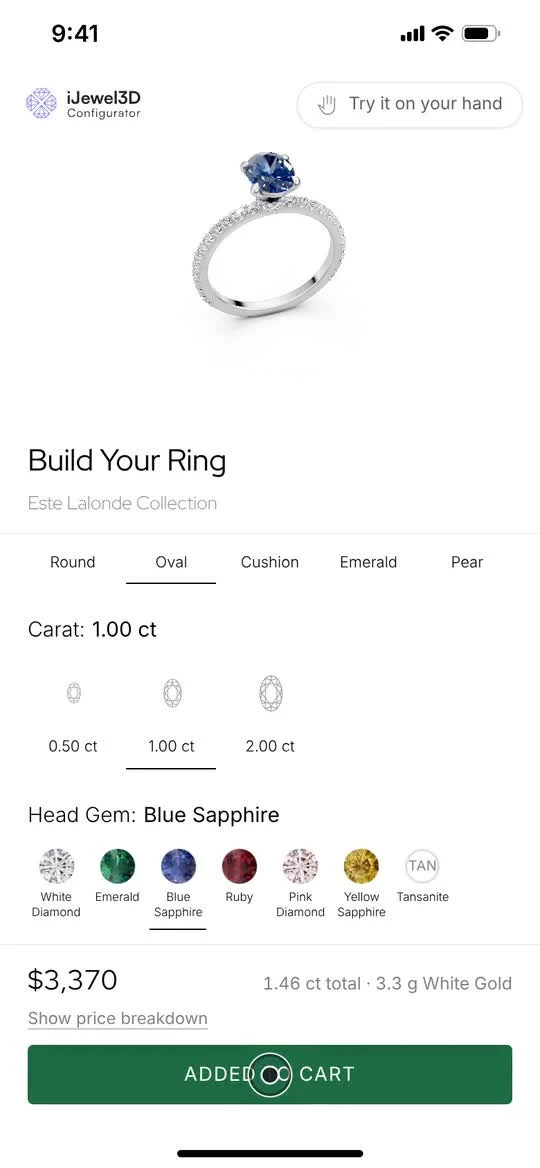
A ring configurator and a wedding band builder on your store.
Try On
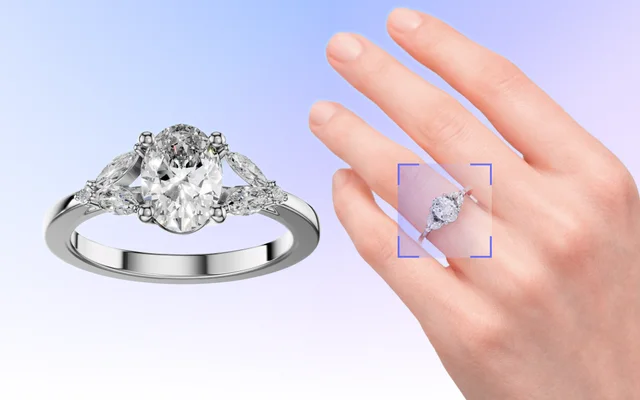
The ring on the customer’s hand, in the phone browser. No app.
Batch Render
Every metal, stone and view of every piece, rendered in one run.
The online 3D editor
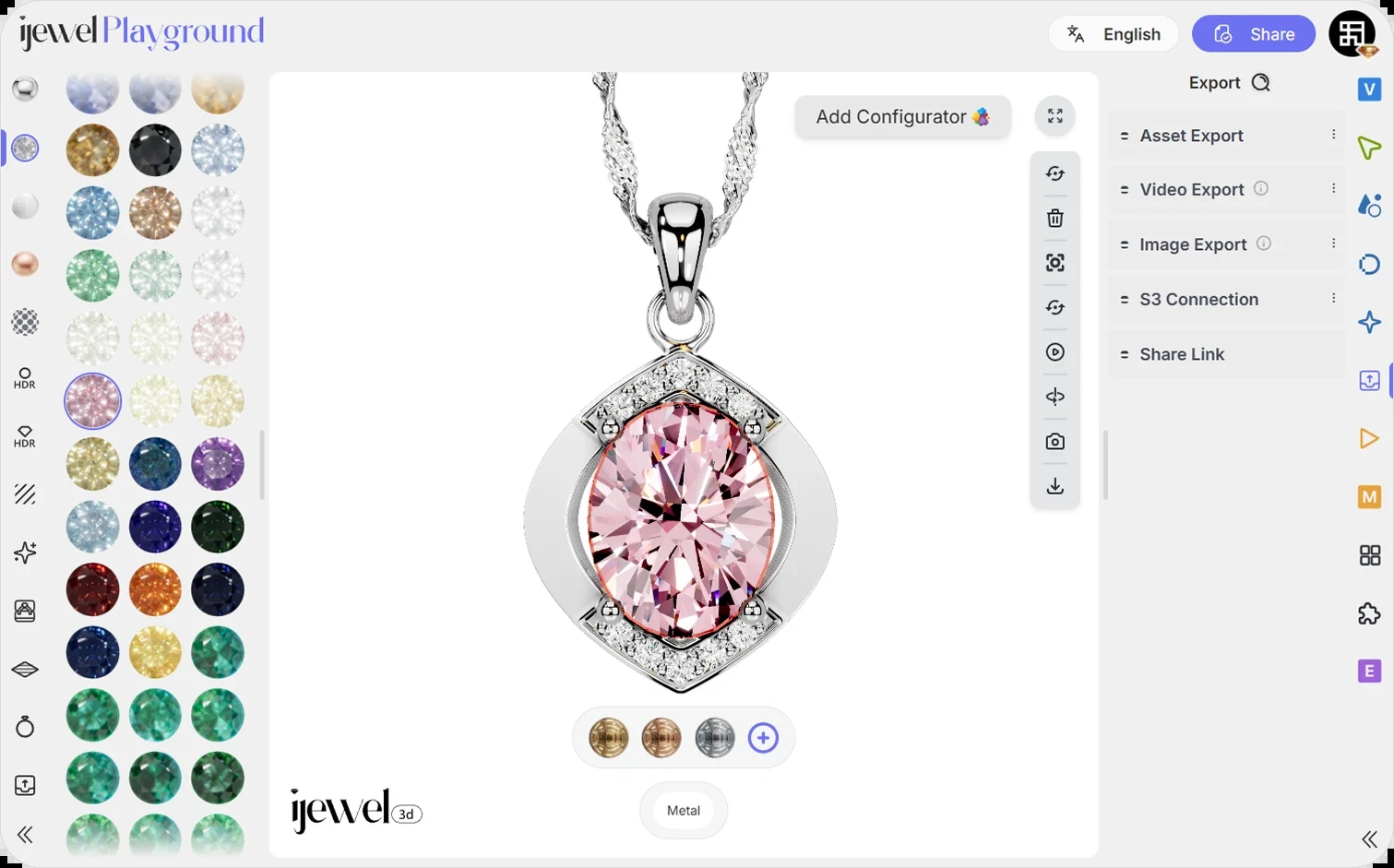
Features
What you get
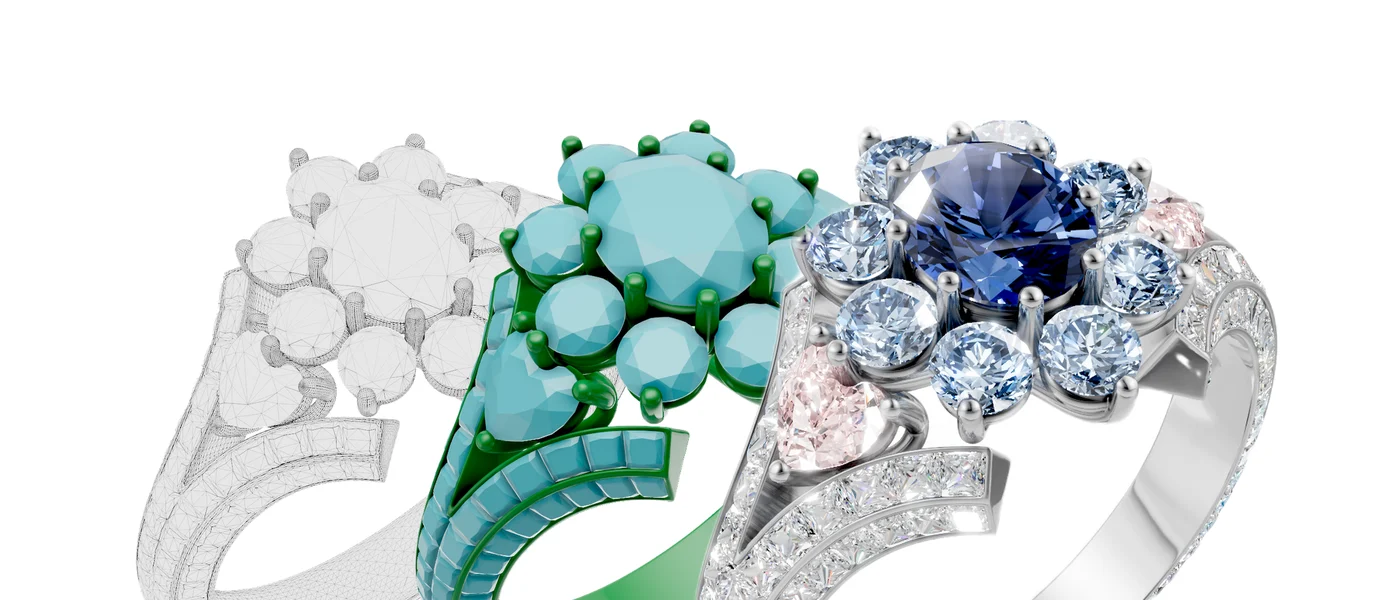
Real-time 3D in the browser
Nothing to install; opens in any modern browser.
Try it in Playground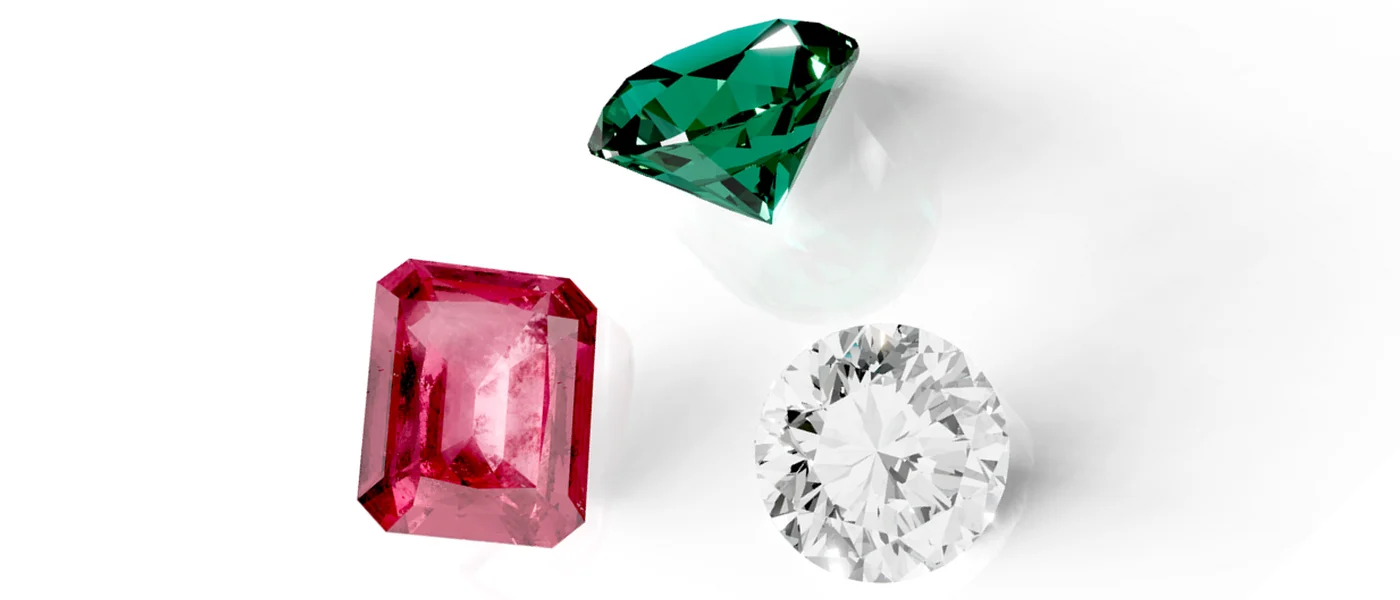
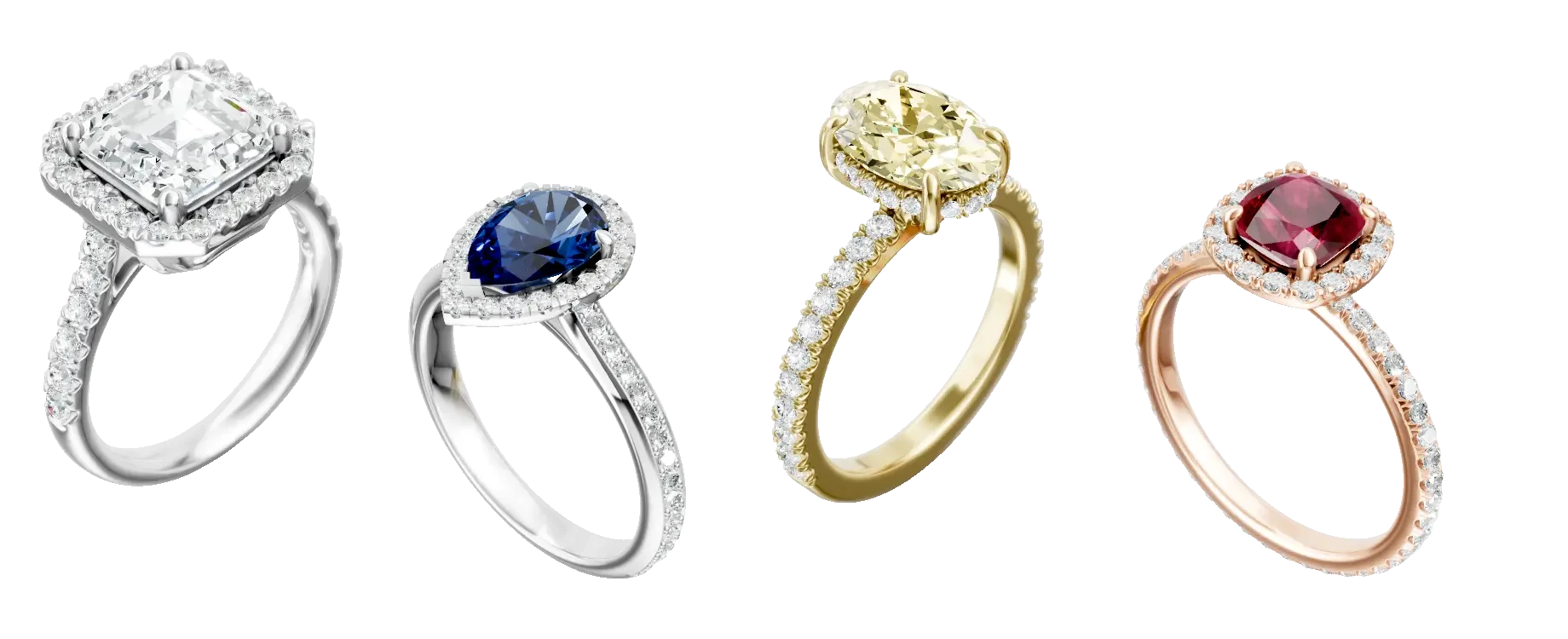
Diamond rendering
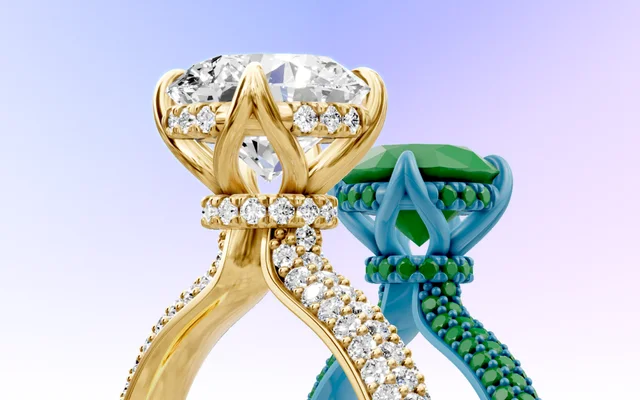
Real refraction and dispersion in the stones, hundreds of them, even on a phone.
Try it in Playground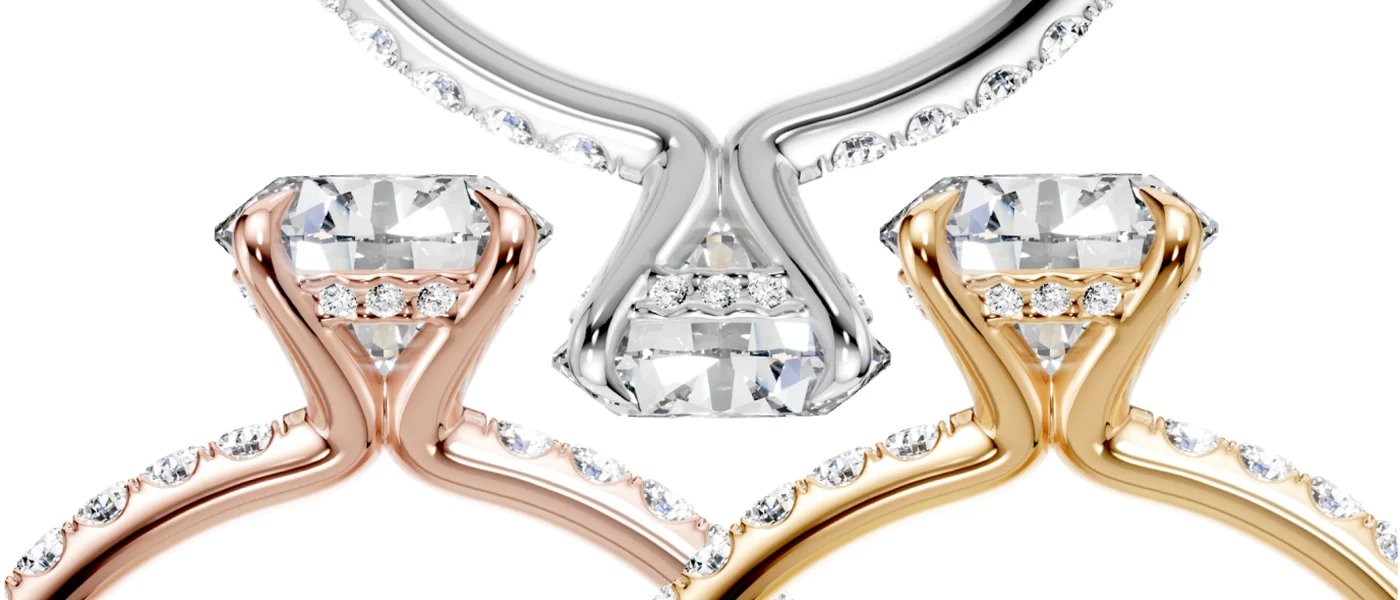
Batch render
Every metal and gem of a piece, from every camera view, as images and 360° turntables in one run.
See Batch Render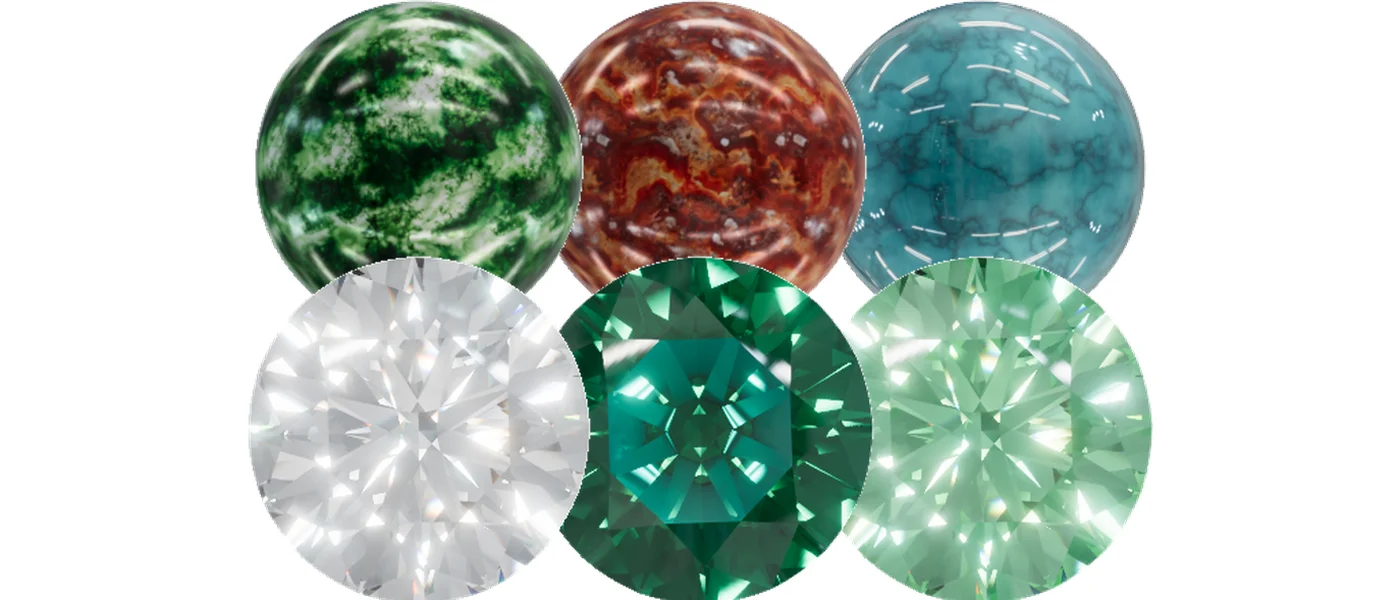
Library of materials and light
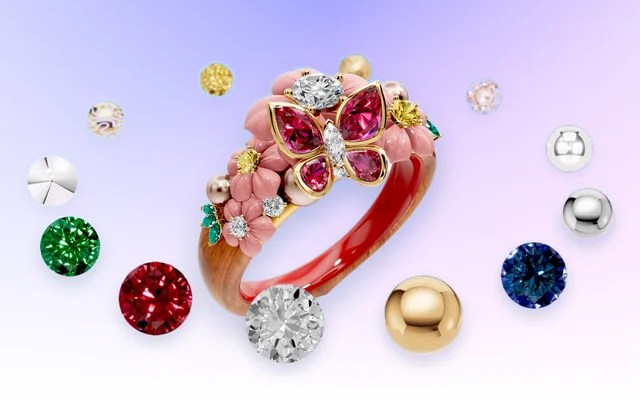
90+ metals and 75+ gems, 60+ HDR maps for the metal and 20+ for the stones, ready to apply.
See the library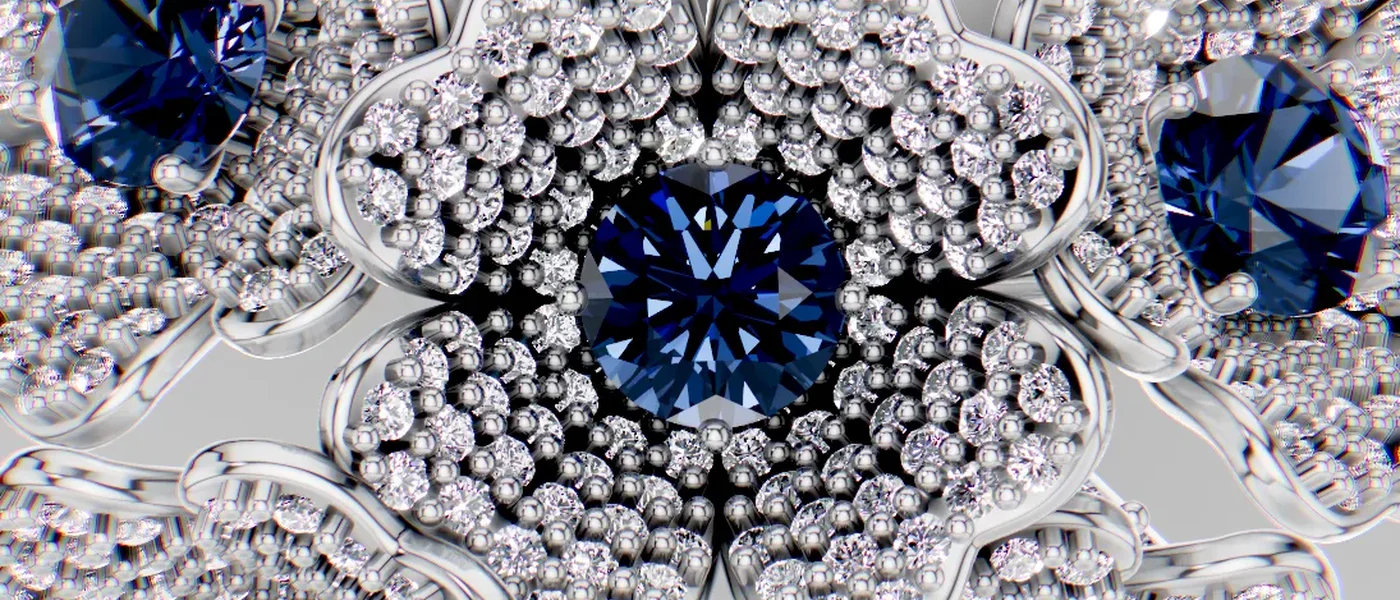
High-quality rendering
Photoreal images and videos, over 6K (6545 × 4096 px).
Try it in Playground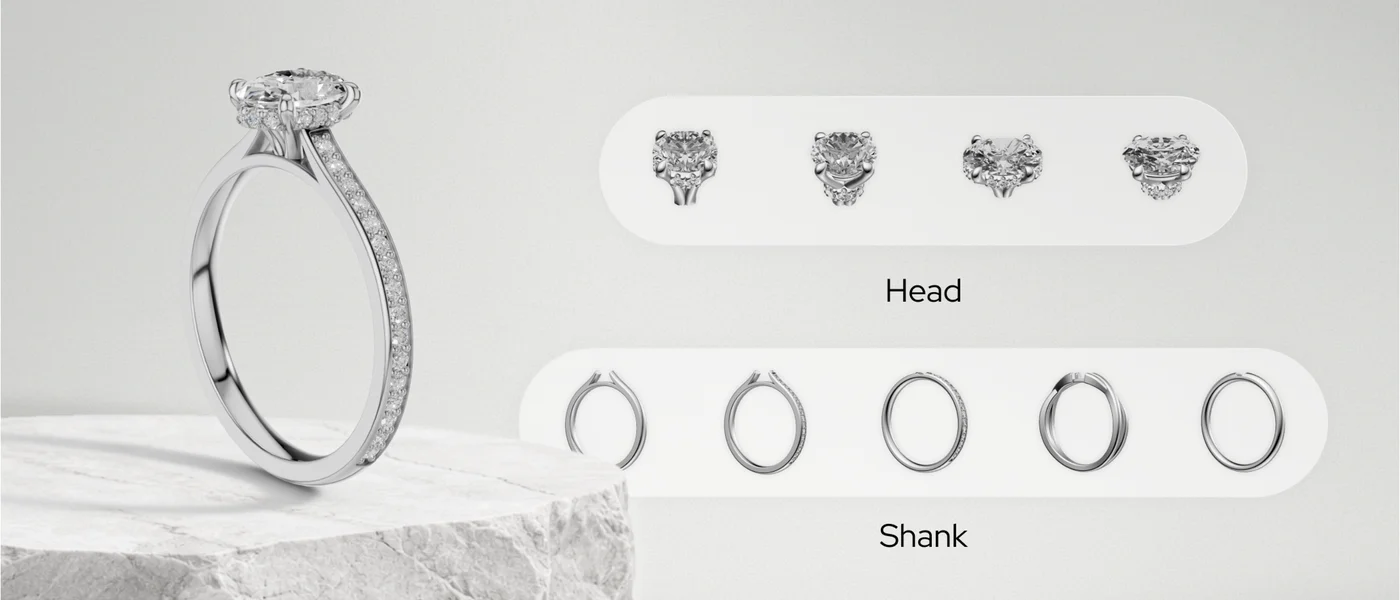
Configurators
Ring and wedding band configurators: the customer picks the head, the shank, the metal and the stones, live on your site.
See the configurators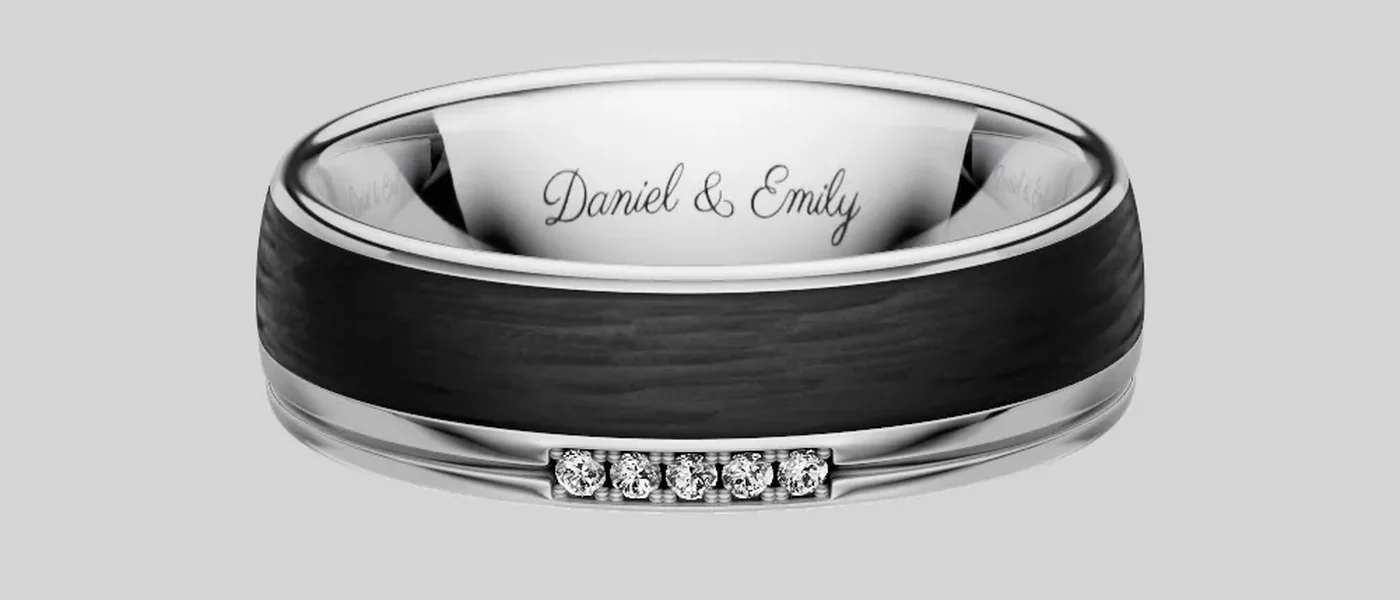
Engraving
The customer types the text and picks the font. The band shows it at once, and the order carries it to the factory.
See the Wedding Band Builder
Try On
The ring on the customer's own hand, live in the camera, or on a photo of a hand for the catalogue.
See Try On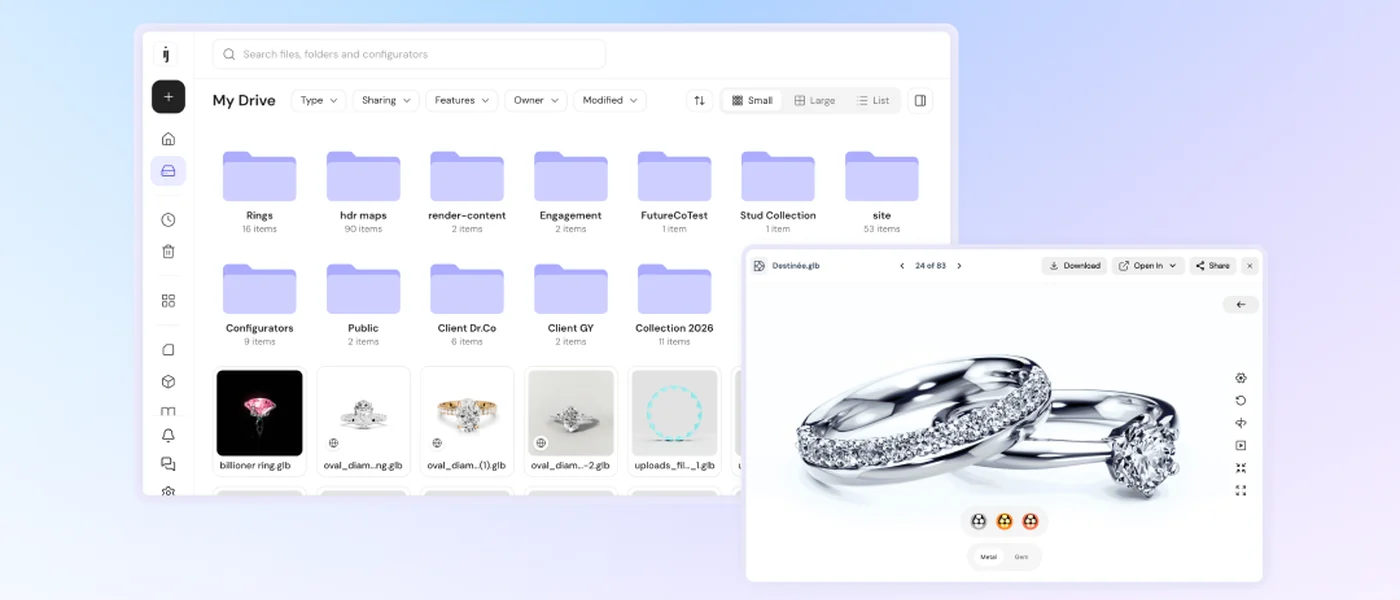
Share and embed
A link, or one line of HTML, puts the viewer or a configurator on your site. No code.
Docs
Work as a team
Roles and permissions for members and admins: each person sees the files they need.
Docs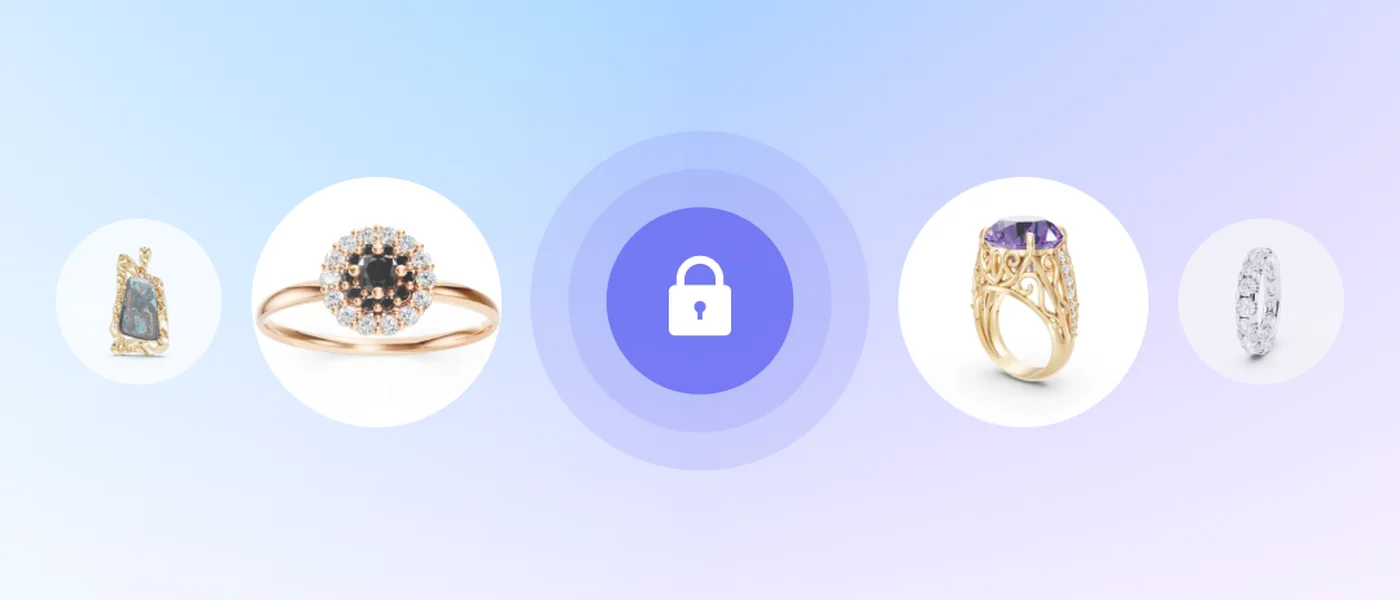
Security and encryption
Your 3D files are encrypted, and nobody can download them from the viewer.
Docs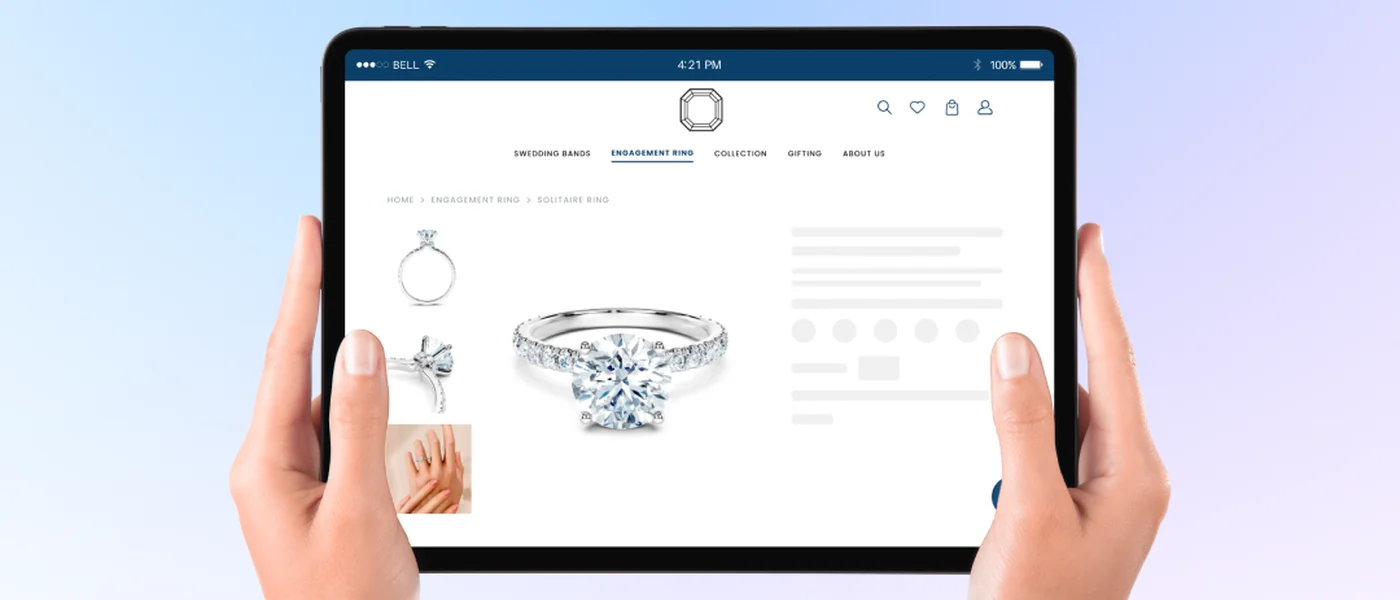
Global availability
Viewers, Try On and configurators load fast for customers in every market.
Docs
Beyond expectations
What jewellers and designers say about iJewel3D.
“We’ve been using multiple products from iJewel, including Sandbox, BatchX, and iJewel, for the past year. All three platforms are fantastic and have significantly streamlined our daily operations. Sandbox and BatchX have greatly reduced our rendering wait times, accelerating our delivery speed, while iJewel has enhanced our customer experience.”
 Romil ShahCOO, Guild and Facet

“I’m happy to share my thoughts on iJewel Drive. I’ve found it to be an incredibly useful tool that has significantly streamlined our workflow. The user-friendly interface and seamless file-sharing capabilities to our customers are particularly impressive. Since my team started using iJewel Drive, I’ve noticed a marked improvement, allowing them to work more efficiently on our custom projects.”
 Vik JainCEO, Vlora

“If you design jewelry in Rhino, iJewelViewer is a must-have for client proposals. It’s transformed the way we present, replacing static renders with interactive visuals—and it’s already helped me close dozens of jobs in just a few months. At $100 a year, it’s worth every cent.”
Christian StathomJewellery designer
“I’ve been working with 3D jewelry modeling for over nine years, and iJewel3D is by far the most practical and revolutionary tool I’ve used. Its seamless integration with Rhinoceros, combined with the team’s constant innovation, has made it my go-to solution for rendering and client presentations. iJewel3D has truly become indispensable in today’s jewelry market.”
Igor MSenior jewellery designer
“Keep up the great work iJewel - best new CAD product - last few years. I love you guys”
David ParryJewellery designer
“I’m going to say something about IJewel. It is the highest-level render platform, easy and intuitive to use. Thanks, Jewel Team, for your effort and for giving us to show and bring it to live our digital creations.”
arthur23Jewellery designer
FAQ
What file formats can I upload?
For 3D models: 3DM, GLB, GLTF, FBX and OBJ, plus PNG, JPEG, WEBP and PDF files. We recommend 3DM for CAD files, because it keeps the layers that you assign materials to. From other 3D tools, use GLB.
Do I need to install anything?
No. The viewer, Playground and your files open in the browser. BatchX, the app for images and videos in bulk, is a desktop app for Windows and macOS.
Can people download my 3D models from a share link?
No. Download is off for each file until you turn it on. To protect the 3D data itself, you can also make a file protected, which encrypts it.
How do I put a 3D viewer on my website?
Make the file public, open it in Playground and copy the code from the Embed (</>) tool. The iframe works on any site that accepts HTML. Developers can also use the Mini Viewer SDK on a registered domain.
Is there a free plan?
Yes. The Free plan holds up to 100 models, with iframe embedding, Try On and both configurators, all with iJewel branding.
Does it work on phones?
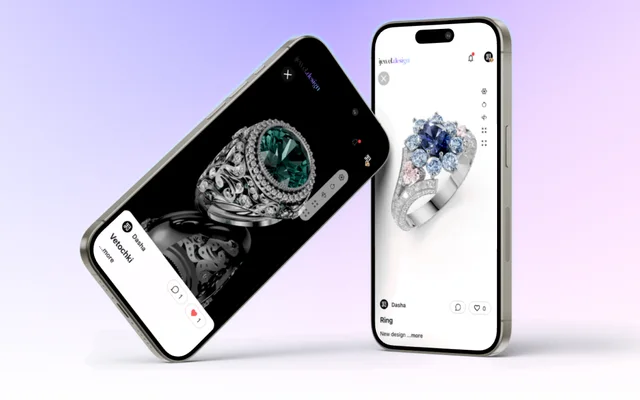
Yes. The viewer runs in the phone’s browser, and you turn and zoom it by touch. Try On puts a ring on the shopper’s hand through the camera.
Didn’t find the answer? Read more in the docs
Have a complex
use case?
A custom configurator, a catalogue of thousands of pieces, or 3D in your own platform. We plan it with you.
No credit card needed