



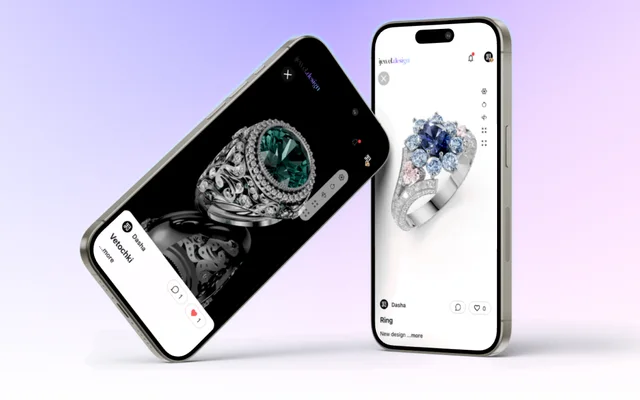
Every piece, live on your store
Engagement rings
3 pieces
- Shopify, WooCommerce, Wix
- Any CAD file
- Password and download control
In three steps
Upload
Any CAD file: 3dm, glb, fbx, obj, stl. It opens as it is.
Make it look right
Materials, light and background in Playground. Once per piece, or once for the line.
Embed
One line of HTML on Shopify, WooCommerce or Wix. The piece turns on the product page.
See it in action
A store with a 3D catalog
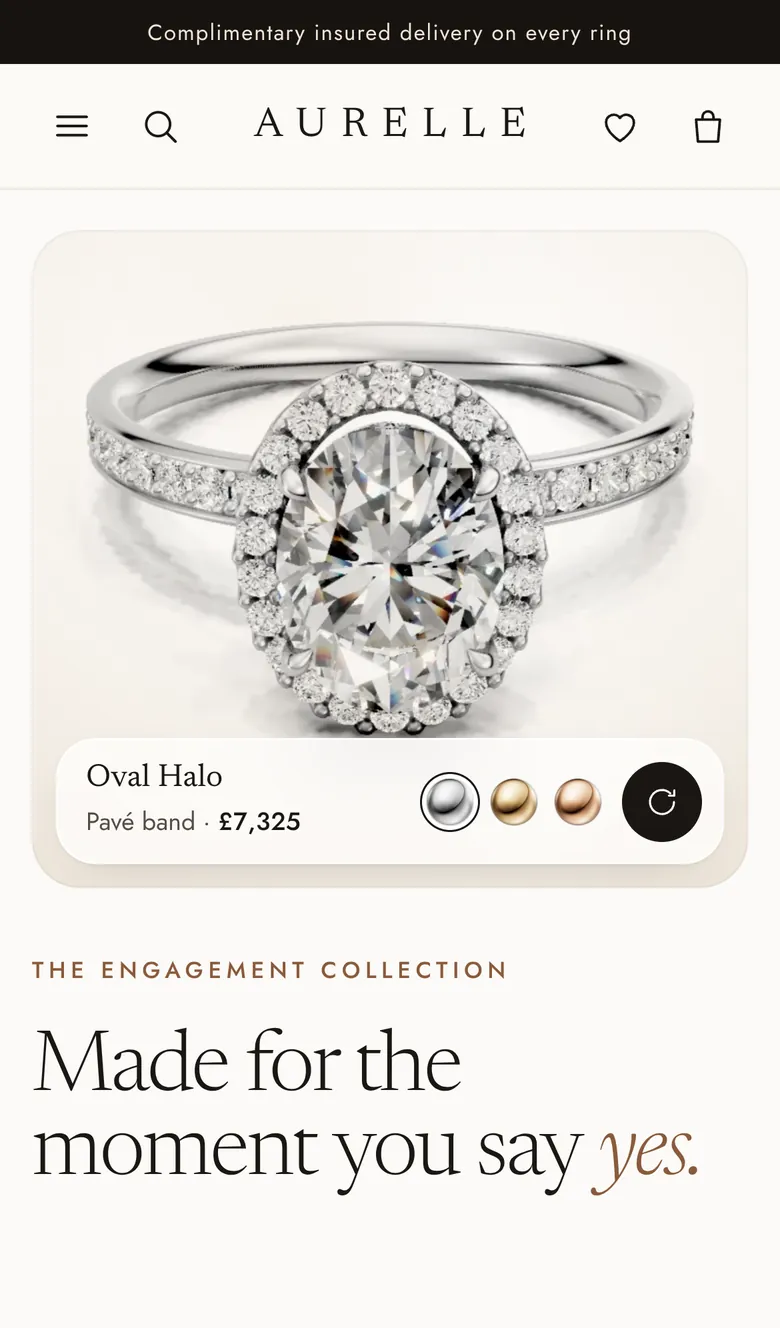
Aurelle, a demo store built on iJewel3D. Open a ring and turn it.
 Open the live store (opens in a new tab)
Loading the store…
What you can do
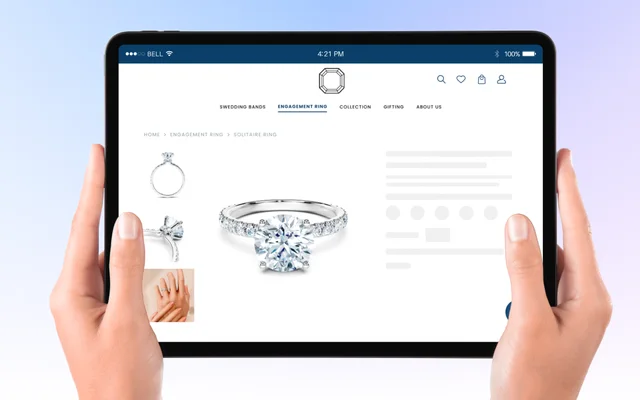
Live 3D on the product page
The customer turns the piece and zooms into the stones.
One line of HTML
Shopify, WooCommerce, Wix, or any site.
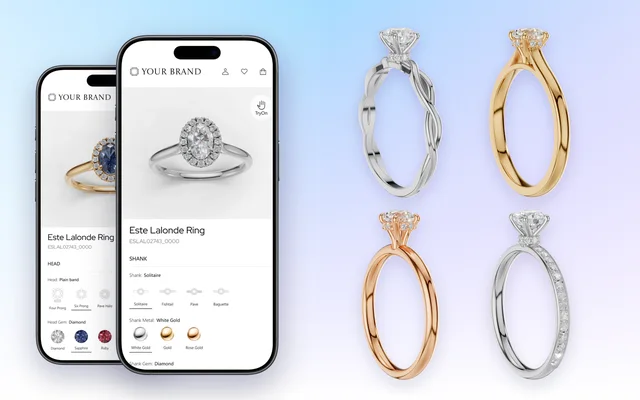
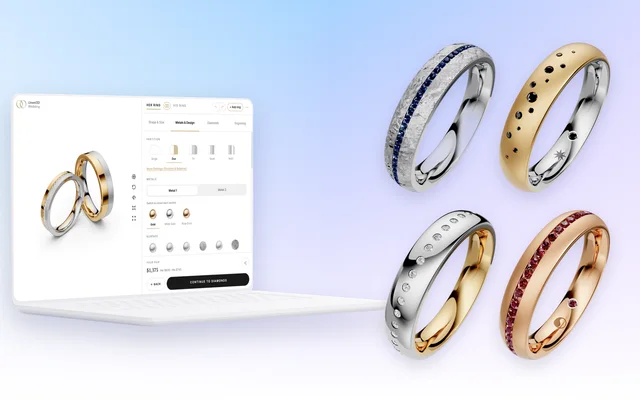
Metal and stone switches
The same piece in every metal and stone, on one page.
Your file stays yours
Hosted on iJewel. Password and download control per file.
Share links
Send a piece to a client or a retailer as a link.
Photoreal
Real metals, gems and light, in the browser, on the phone.
One catalogue, many stores
A manufacturer's catalogue serves every retail partner's site.
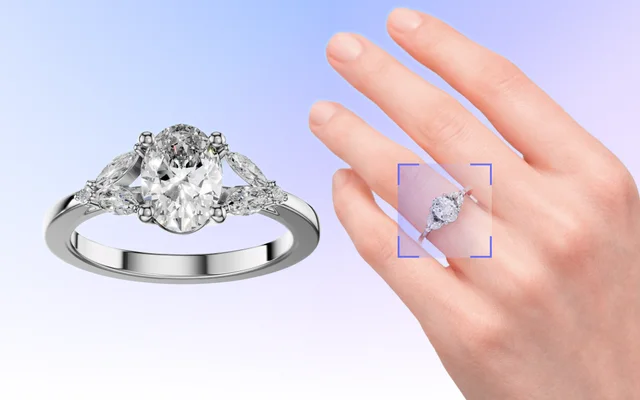
Try On built in
The ring on the customer's hand, from the same page.
FAQ
Which store platforms work?
Shopify, WooCommerce, Wix, Magento and BigCommerce, and any site that accepts HTML. The viewer goes on the page as one iframe.
Where are the files?
On the iJewel platform. On organization plans, you can also host the models yourself with the SDK. Each file is private until you share it, and download is off by default.
Can a retailer show my catalogue?
Yes. Send a share link, or put each piece on the partner's website with a viewer embed.
Didn’t find the answer? Read more in the docs (opens in a new tab)
