

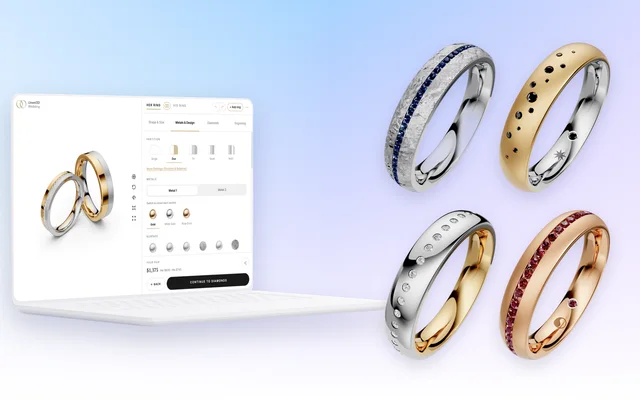

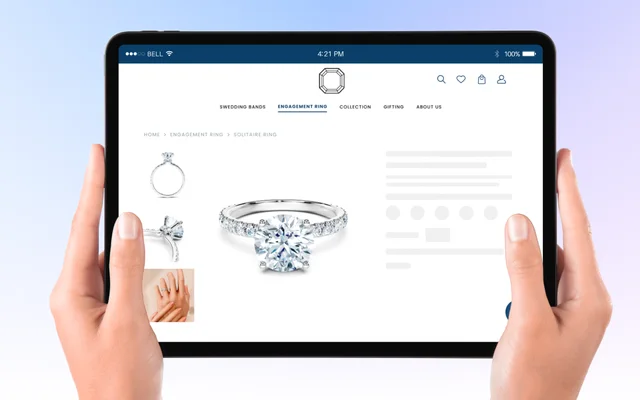



Every variant, rendered online
- Every metal × stone × view
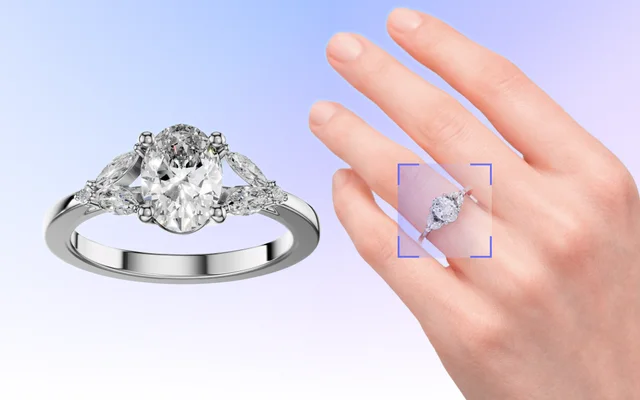
- Images and turntable videos
- 3 million images in 12 months Kyna Jewels
In three steps
Set up one piece
Materials, light, background and camera views in Playground, once.
Choose the grid
Every metal × stone × view. Images, turntable videos, or both.
Render the folder
Online in the editor, or on your own machine with BatchX. The files land in a folder.
BatchX · the app
BatchX, the app on your own machine
For Mac and Windows.
- Your files never leave the building
- A 10 s turntable in about 20 s
- 30-day free trial, no card
What you can do
Every combination
Every material variation times every camera view, in one run.
Images and video
PNG, JPG or WebP, and MP4 turntables.
Any size
Up to 4000 × 4000 in BatchX.
Named files
Model, materials and view in every file name.
Camera views
Front, top, side, perspective, and the views you save.
Online or offline
In the editor on every paid plan, or BatchX on Mac and Windows.
Your files stay
BatchX renders on your machine. Nothing is uploaded.
A reusable recipe
Save the set-up and run it again on the next line.
FAQ
Where does Batch Render run?
In Playground, as the Batch Renderer tab on every paid plan, one model at a time. For many models, use the BatchX app for Mac and Windows.
What does BatchX need?
A folder of 3D files with exactly one scene file from Playground. A computer with 16 GB of RAM or more; on Windows, an Nvidia card with 8 GB of video memory is preferred.
How is BatchX licensed?
A 30-day free trial on every device, no card. Then a yearly licence per seat.
How fast is it?
A 10-second turntable at 2048 × 2048 px renders in under 20 seconds on a simple laptop.
Didn’t find the answer? Read more in the docs (opens in a new tab)
Render the whole line
Book a demo, or download the free trial.
30-day free trial, no card
