Hundreds of unique rings
from a single component library
Upload heads and shanks once. iJewel3D combines them into hundreds of unique designs - and renders every variation in real-time 3D, right in the browser.
Configure a ring live
Pick a head, a shank, a metal and a gem. Every change updates instantly - exactly the way your customers will experience it.
More inventory. Fewer files.
Modular components multiply across every dimension. A handful of files becomes a full collection.
Everything you need to go live
From file prep to deployment - the configurator handles every step of the pipeline.
Real-time 3D rendering
Photorealistic ring previews running in WebGL. No backend rendering, no waiting, no app downloads.
Component library
Modular catalog of heads, shanks, accents - combined automatically into hundreds of variations.
Material configurator
Yellow gold to white gold to rose. Diamond to sapphire to emerald. One click in the customer's browser.
Anchor-based snapping
Placeholder layers in your CAD file align every variation perfectly. No misalignment, no manual fixing.
Production-ready export
Every order exports as a CAD-compatible file - drop straight into your manufacturing pipeline.
Embed anywhere
Drop a snippet into Shopify, WordPress, Wix, or any custom store. Or share a direct link with one tap.
From CAD file to customer's screen
Four steps. No code required. Hours, not weeks - from your existing 3D files to a live configurator on your store.
Prepare in Rhino
Split your model into components - head and shank. Use placeholder layers as anchor points so every variation snaps into place.
Upload to iJewel3D Platform
Create folders for each component and drop in every variation. The platform syncs automatically.
Configure in Playground
Dial in lighting, camera, materials, backgrounds. Define the metals and gems customers can choose between.
Share or embed
Send a direct link, drop the embed code into your store, or use the self-hosted template for full customization.
Works with your stack
Whatever your store runs on, the configurator embeds in minutes. Or use the SDK for fully custom integrations.
The same engine, every category
The component-based approach works across your entire catalog. Anything with variations.
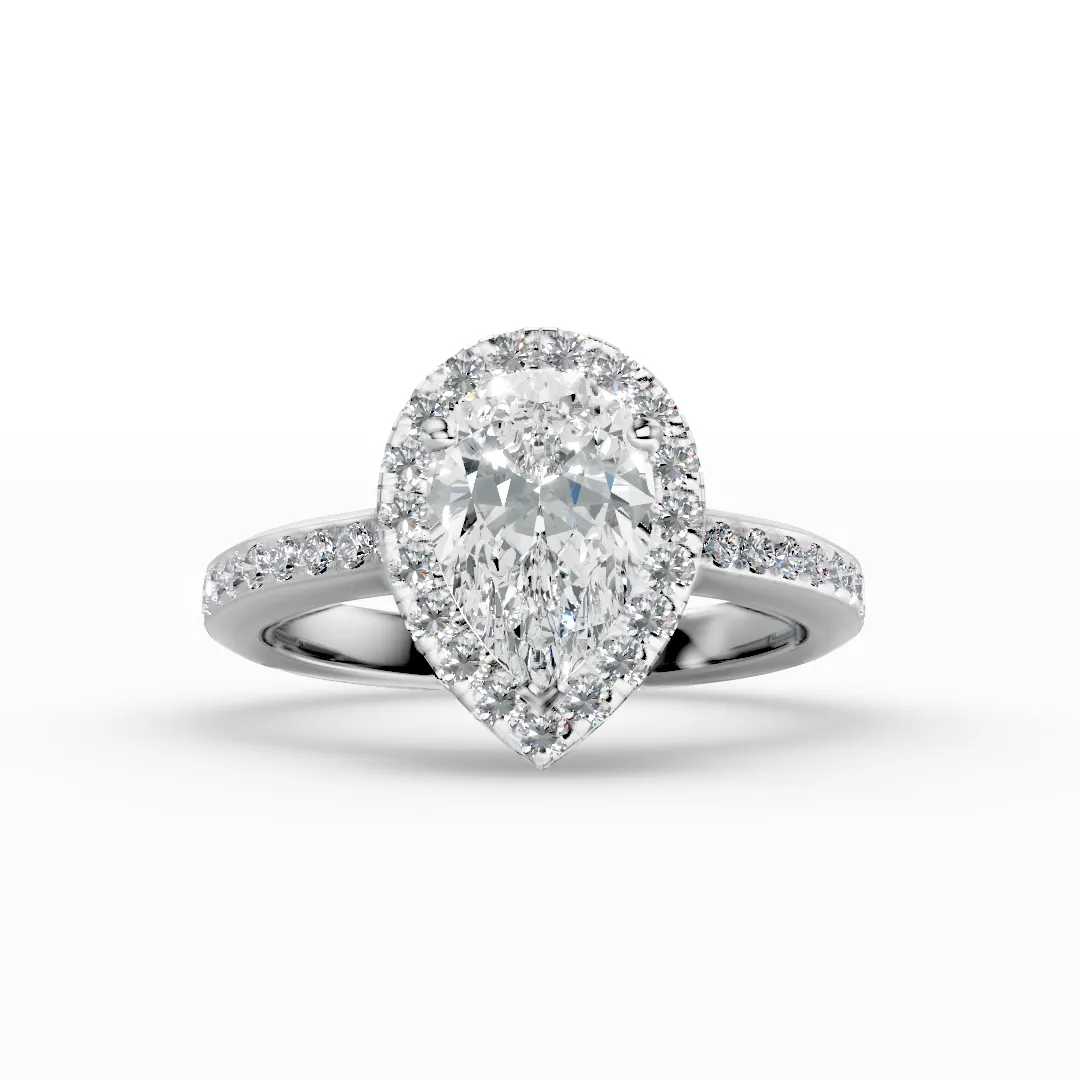 Rings
Rings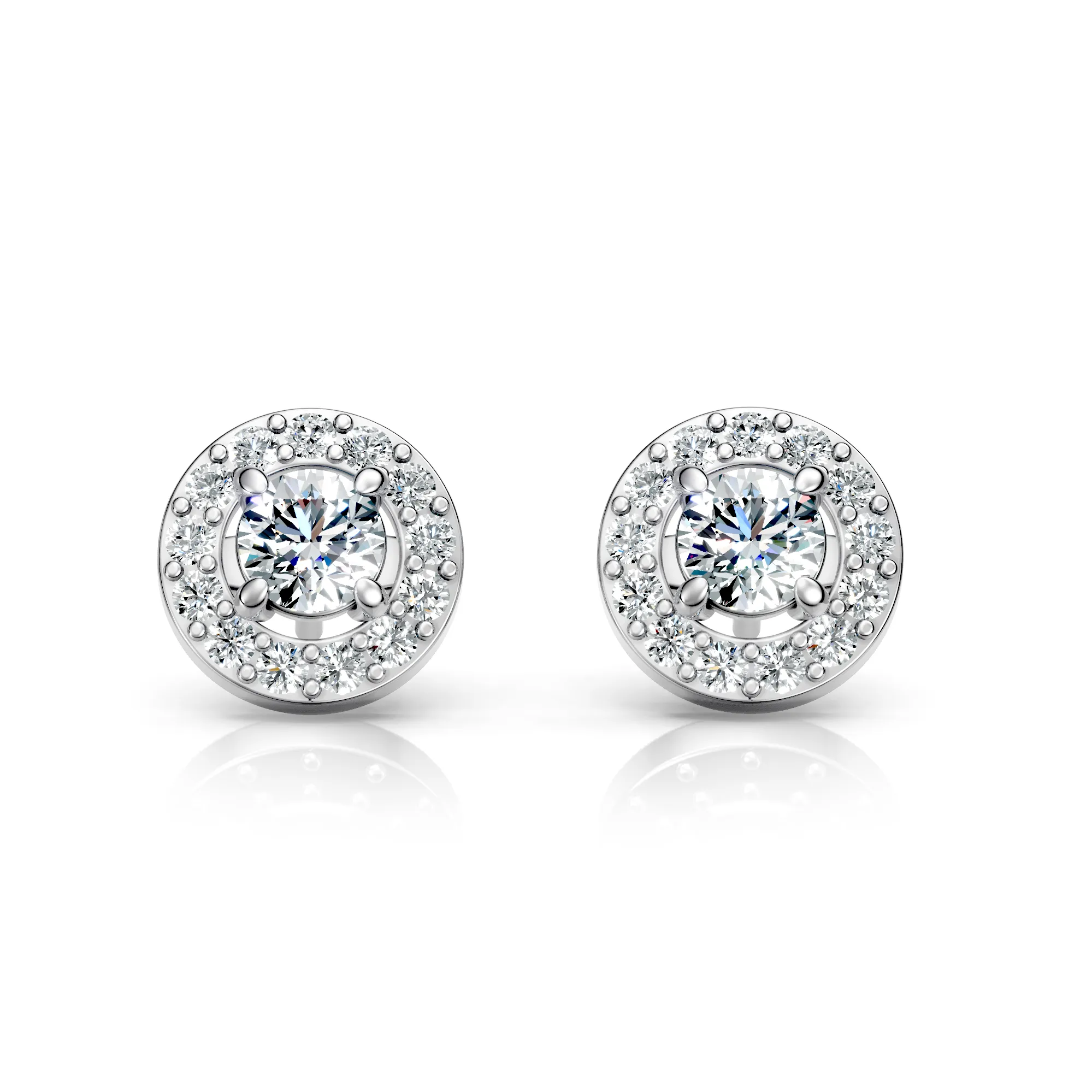 Earrings
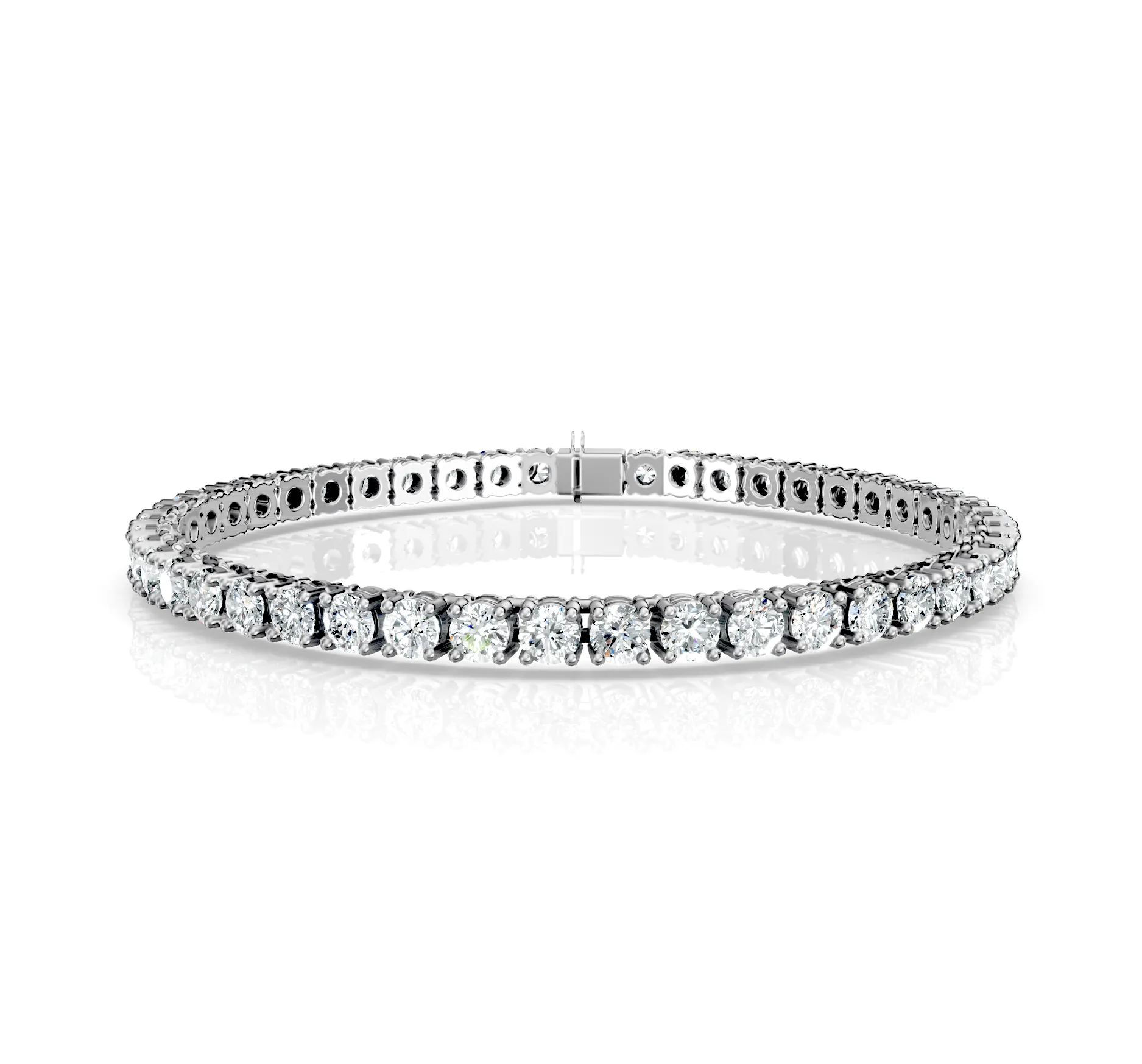 Bracelets
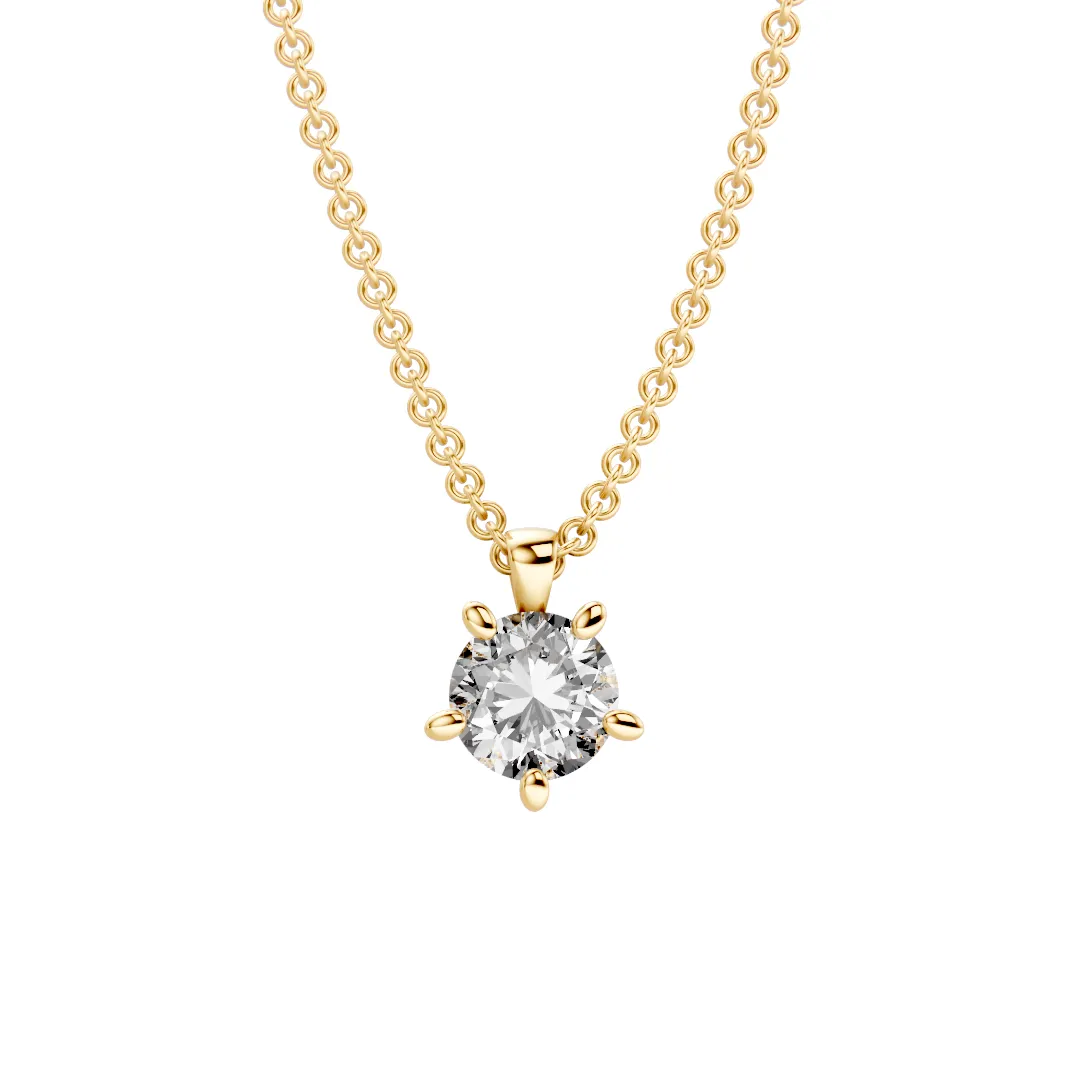 Pendants
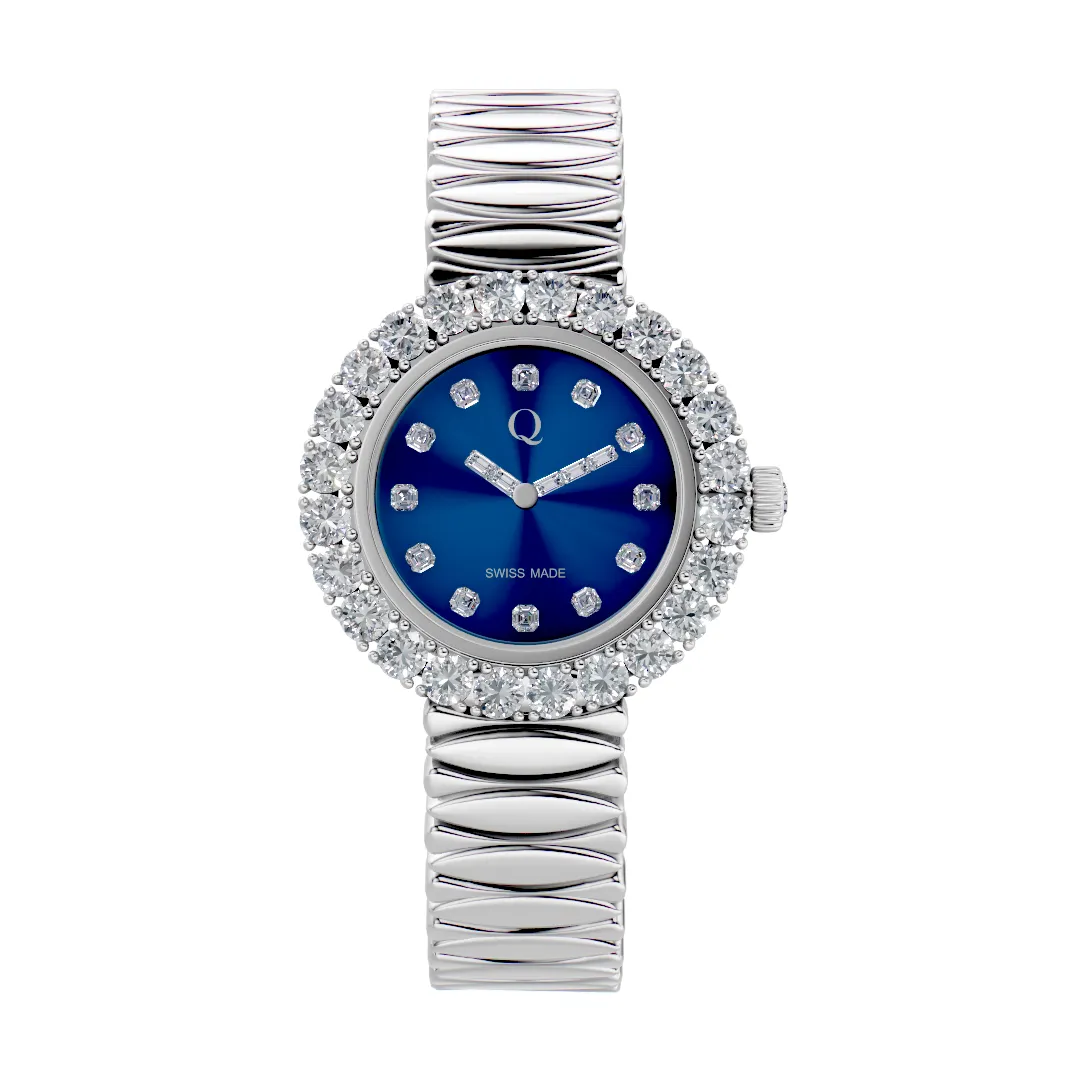 Watches
See your own collection
running in 15 minutes
You'll see exactly how your customers will use it - heads, shanks, metals, gems, all live.